Indian freelancers and consultants paid net of TDS, and the accountants who would rather show a client the gap than argue about it.
How it works
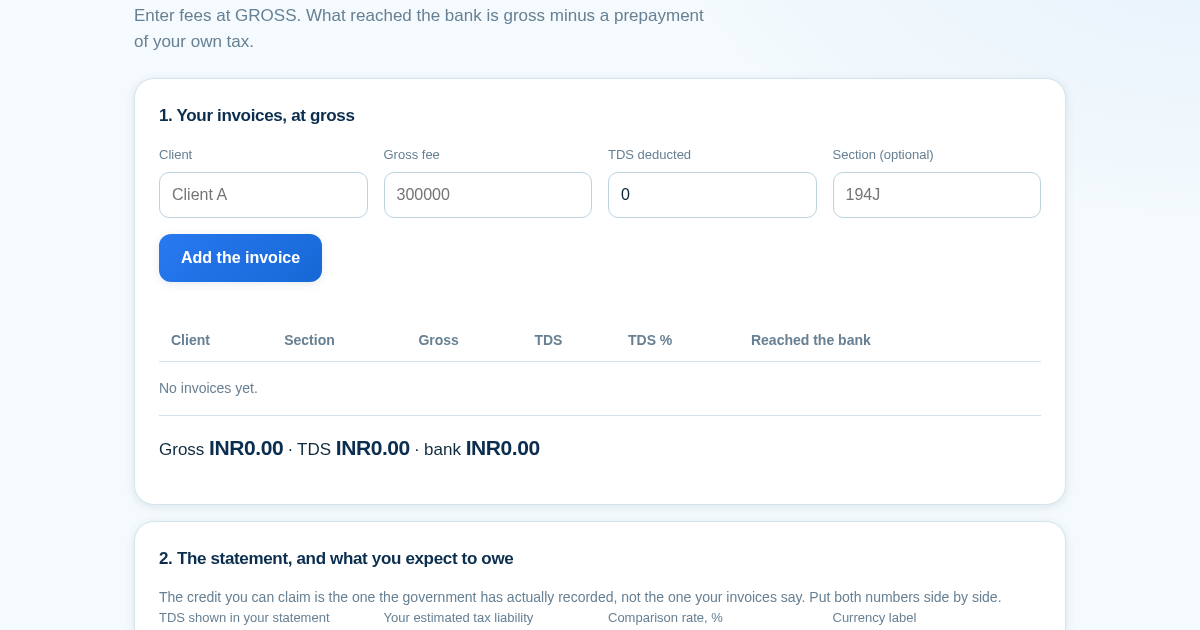
- Add each invoice at its gross value with the TDS the client deducted.
- Read the totals: gross is your income, the bank figure is what was left after the prepayment.
- Enter the TDS your statement shows and see the gap against your own records.
- Enter your estimated liability to see what is still to pay, or what is refundable.
What you gain
- Finds exactly how much TDS you haven't been refunded yet by matching your invoices against the real bank statement, instead of leaving it lost between two figures nobody compares.
Screenshot
Technical details
How to set up & use
- Buy the license — your key (lic_...) appears on the order page and in your email.
- Sign in at app.synoriaai.com with your license key.
- No installation — the product runs in your browser, on your own isolated instance.
- Enter the client name, gross fee, TDS deducted, and section (e.g., 194J) for each invoice, then click 'Add' to record it.
- Repeat for each client — the page lists every entry with gross, TDS, and bank credit on the same row.
- Review the summary: it shows the total TDS as a prepayment, the bank credit after deduction, and the gap between invoice TDS and statement TDS.
- Check the position after credit — a positive value means refundable, a negative value means you still owe.
- Use the reconciliation note to see which figure is claimable today and what you need to chase with the payer.
Frequently asked questions
Does this tool calculate tax rates or file returns?
No. It only records gross fees and TDS you enter, and shows the bank credit as a prepayment. It embeds no rates, sections, or thresholds — those change by section, payer, and year, so you supply them.
How does it handle data I enter?
All entries stay in your browser session — nothing is sent to a server. The page only does arithmetic on the numbers you type, and checks that gross equals TDS plus bank credit on every row.
What if the TDS on my invoice doesn't match the statement?
The tool names that difference as the gap — money that goes unrefunded if not chased. It shows which figure is claimable today and flags that the gap must be pursued with the payer, not written off or over-claimed.
Related products
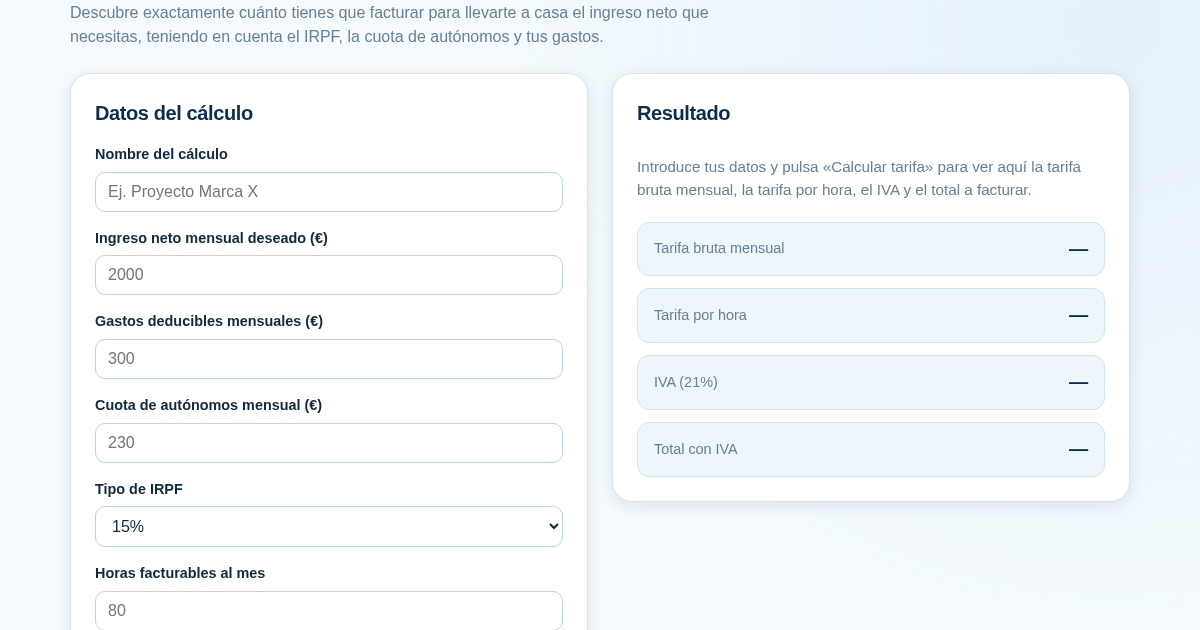
Calculadora de Tarifas para Autónomos
Muchos autónomos fijan sus tarifas sin saber cuánto necesitan facturar realmente para alcanzar el ingreso neto que quieren. Esta calculadora parte del neto mensual deseado y calcula la facturación bruta necesaria…
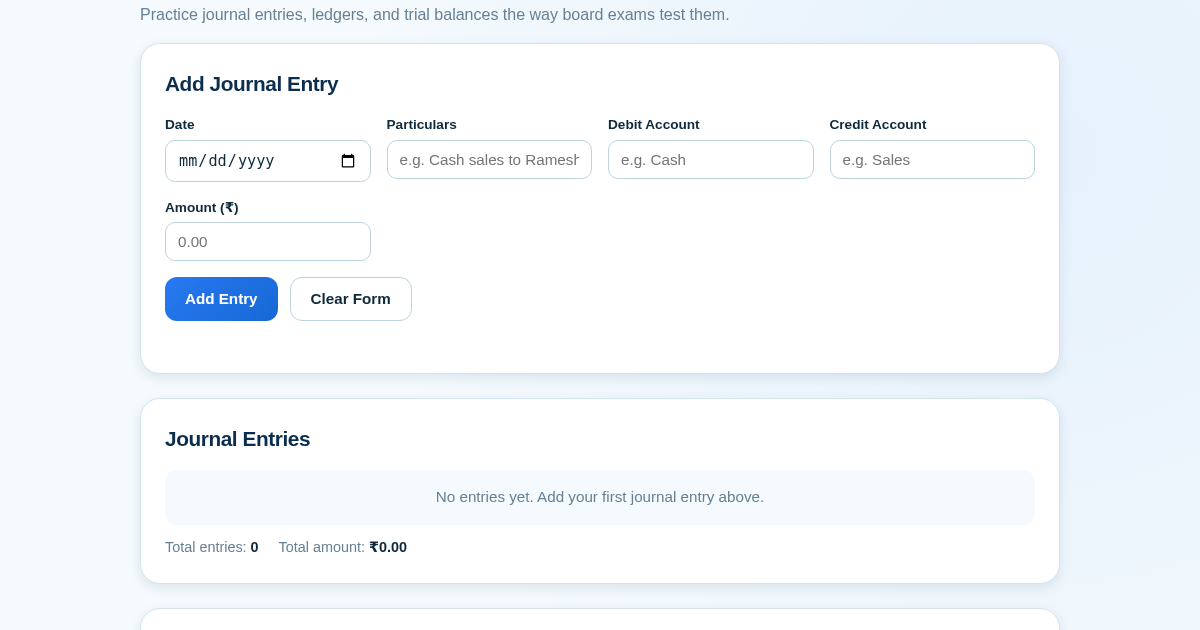
Ledger & Trial Balance Practice Tool
Commerce students in Class 10-12 need to practice journal entries and see how they flow into ledgers, trial balances, and balance sheets for board exams. This tool lets them enter transactions and instantly see the…
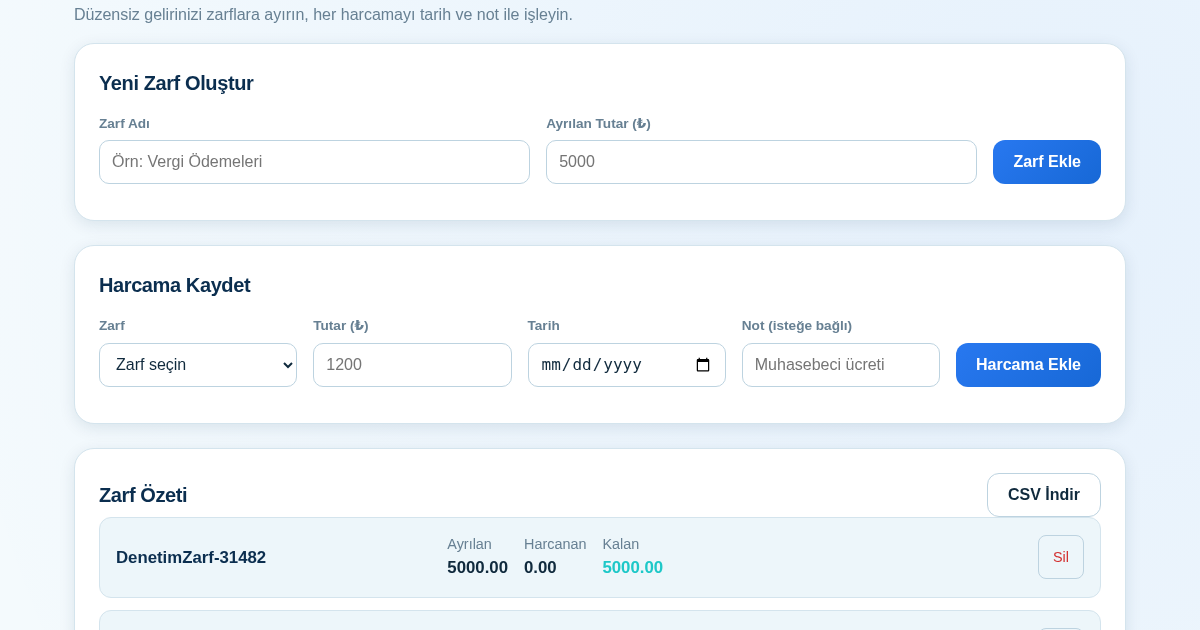
KASA - Serbest Çalışanlar İçin Zarf Bütçesi
Serbest çalışanlar düzensiz gelirlerini vergi, kira ve yaşam giderleri gibi zarflara bölerek bütçelerini düzenli tutabilir. Her harcamayı tarih ve not ile ilgili zarfa işleyerek ne kadar ayırdığını ve ne kadar…
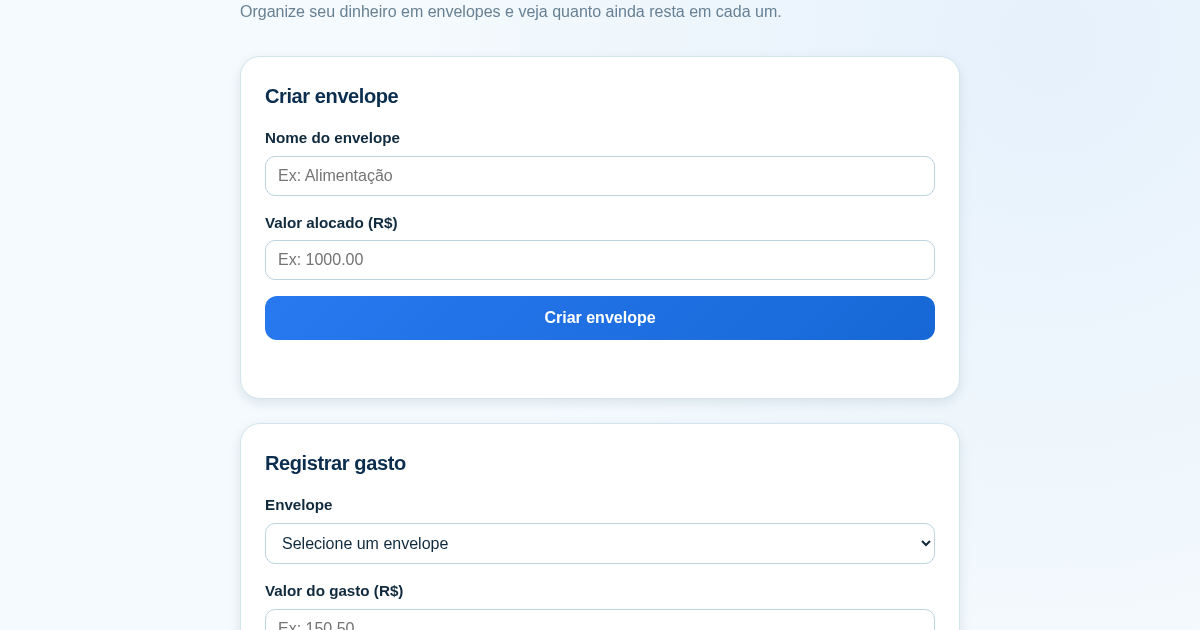
Calculadora de Orçamento por Envelopes (Pix)
Este aplicativo ajuda brasileiros a organizar seu dinheiro em envelopes de orçamento, como alimentação, transporte e lazer, sem precisar conectar uma conta bancária. Ele resolve o problema de controlar gastos do dia a…